

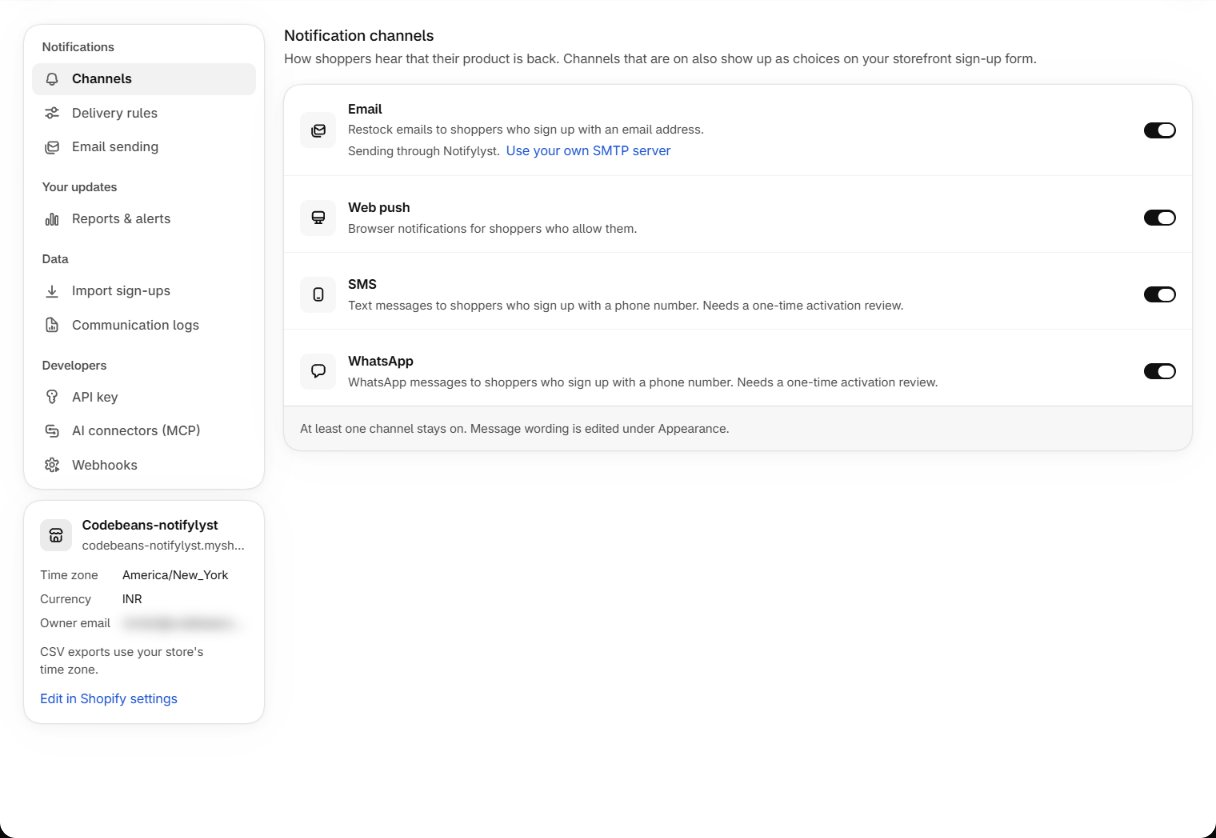
The four channels
At least one channel stays on — the app won’t let you switch off the last one (At least one
notification channel must be active.). Which channels you can use also depends on your plan; a
channel your plan doesn’t include is saved as off with the message Saved. Not included on your
plan, so left off: followed by its name.
Email and web push
Switch them on and they are live. Email sends through Notifylyst’s mail servers by default, so there is nothing to configure — to send from your own server, see Email sending and sender. Web push also needs the shopper to allow notifications in their browser when they sign up, which only happens on your live HTTPS storefront.Email and web push share one allowance. Turning both on doesn’t double your capacity — it
gives you two ways to reach waiting shoppers out of the same pool.
SMS and WhatsApp
These are paid, per-message channels, so each needs a one-time review before it can send:- Press Request activation on the channel in Settings → Channels, or in its message editor under Appearance → Notifications. You see SMS activation request sent. Switching the channel on before approval is saved as off: Needs activation approval first, so left off: followed by its name.
- The Notifylyst team reviews it. Until then the channel’s editor is locked and shows SMS activation required (or the WhatsApp equivalent).
- Once approved, you can write the messages and the channel sends.
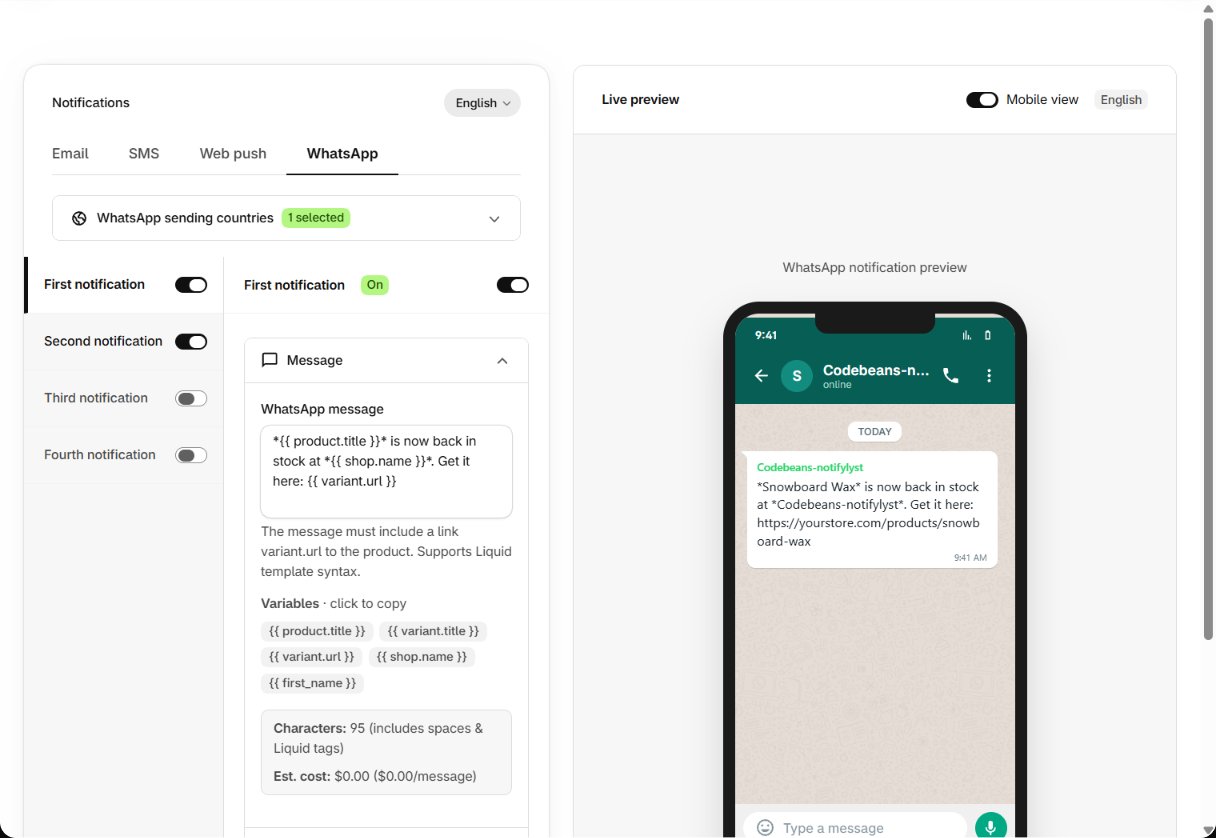
Message wording for these channels can also need approval: the editor shows Changes pending
approval until it is approved, or Changes rejected with the reason.
Sending countries. In each SMS or WhatsApp message editor, SMS sending countries (or
WhatsApp sending countries) limits which countries shoppers can pick a phone number from on the
form. The default is the United States. Prices for each country are under
Usage → Usage history → See rates.
Choosing which to run
Switching a channel off
A channel switched off stops sending at once, disappears from the storefront form, and refuses new sign-ups for it. Shoppers already signed up on that channel stay signed up — switch it back on and they are alerted on the next restock.Email sending and sender
Next: who your emails come from.
Plan features
Which channels each plan includes.